Job Success
Maintenance checklist
A WordPress maintenance checklist for business websites that cannot afford quiet breakage.
A business website can look fine while forms stop working, tracking disappears, plugins conflict, images get heavy, or SEO fields drift. This checklist shows what should be checked regularly so WordPress support protects trust, search visibility, and inquiries after launch.
Upwork status
Total jobs
Total hours
240 Upwork reviews
Weekly checks
Confirm key pages load, contact forms submit, checkout or booking paths still work, backups are recent, and urgent plugin or security notices are not being ignored.
Monthly review
Review updates, speed, broken links, search snippets, sitemap behavior, analytics tags, mobile layout, image weight, and the pages most likely to generate inquiries.
Quarterly cleanup
Reassess plugins, unused media, old landing pages, weak internal links, outdated proof, low-value pages, redirect chains, and whether support tasks are turning into a rebuild need.
Start with backups and restore confidence
A maintenance routine should confirm backup frequency, backup storage, restore access, and whether a safe restore point exists before important updates. Backups are not useful until someone knows they can actually be restored.
Check updates without treating them as a button click
WordPress core, theme, and plugin updates can affect forms, layouts, payment flows, custom fields, speed, and tracking. Important updates should be tested with the business-critical pages in mind.
Watch forms, CTAs, checkout, and booking paths
The most expensive maintenance issue is often a silent conversion problem. Test contact forms, inquiry buttons, thank-you pages, emails, checkout steps, booking flows, spam protection, and any page that turns visitors into leads or buyers.
Protect SEO fields and crawl paths
Maintenance should preserve titles, descriptions, H1s, canonical tags, schema, redirects, internal links, sitemap inclusion, image alt text, and indexable page content. Small edits can create SEO problems when nobody checks the basics.
Keep performance from drifting
Business websites often slow down gradually. Each new image, font, embed, plugin, tracking tag, animation, popup, or page-builder section can add weight, so maintenance should include regular performance review on mobile.
Document fixes and spot larger patterns
Every support cycle should leave a short note: what changed, what was checked, what still needs attention, and whether repeated issues point to a theme, hosting, plugin, CMS, or content-structure problem.
Quick answers
Clear answers before the first conversation.
How often should a business website be maintained?
A business WordPress website should usually have weekly checks for uptime, forms, backups, and urgent issues, plus a deeper monthly review for updates, speed, SEO fields, tracking, and important conversion paths.
What is the most important WordPress maintenance task?
The most important task is not one button. It is confirming the site can be safely restored, important pages still work, forms or checkout paths still convert, and updates have not damaged layout, SEO, or tracking.
Can maintenance reduce future redesign cost?
Yes. Regular maintenance can catch plugin conflicts, heavy media, broken forms, weak internal links, outdated sections, and SEO drift early, before the site needs a larger emergency rebuild.
Proof examples
Public Aimsparkk work patterns connected to Kamran Hassan.
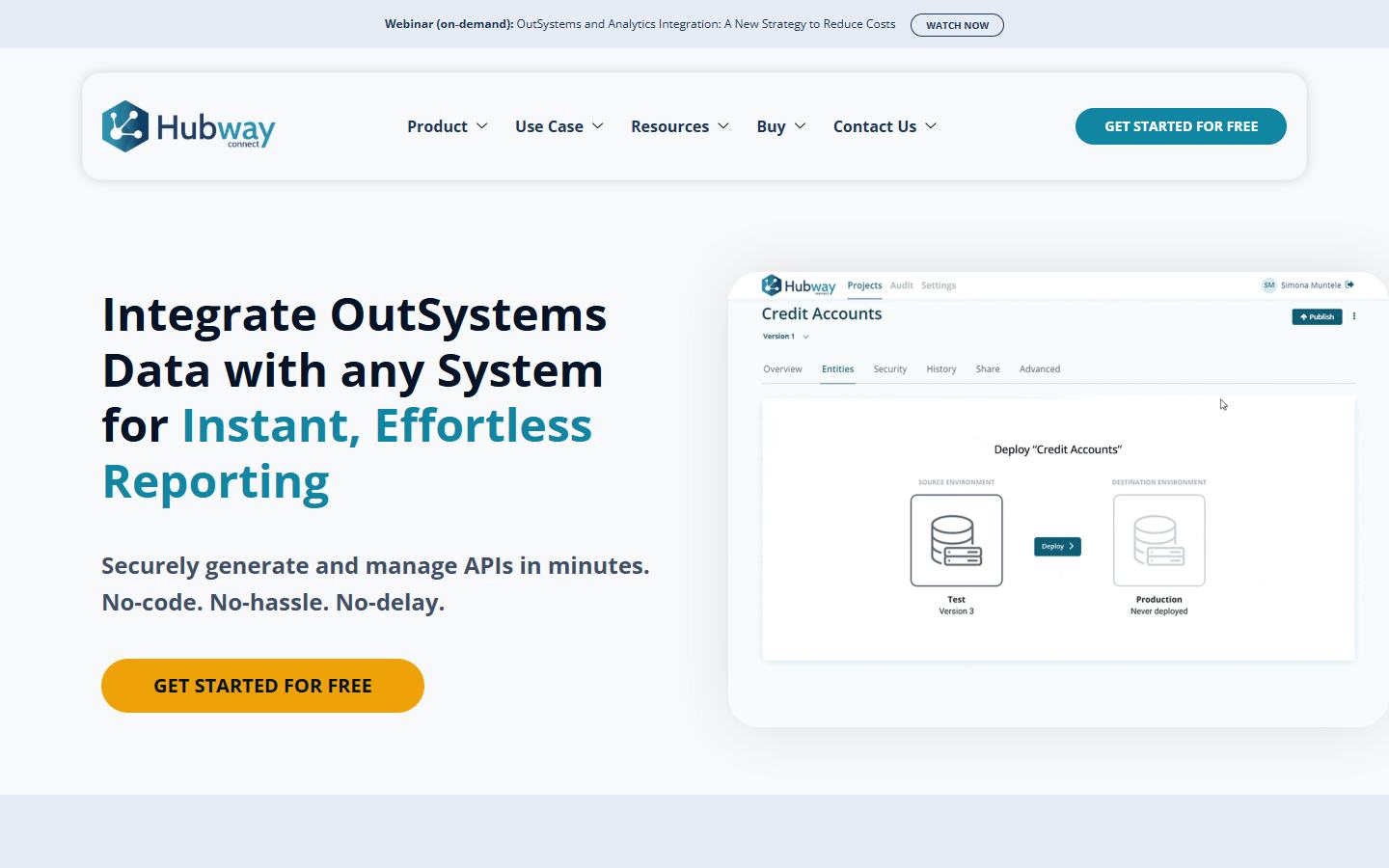
Related service
WordPress Maintenance Support
The service page explains ongoing WordPress support for updates, backups, security checks, content edits, speed cleanup, forms, tracking, and SEO-safe changes.
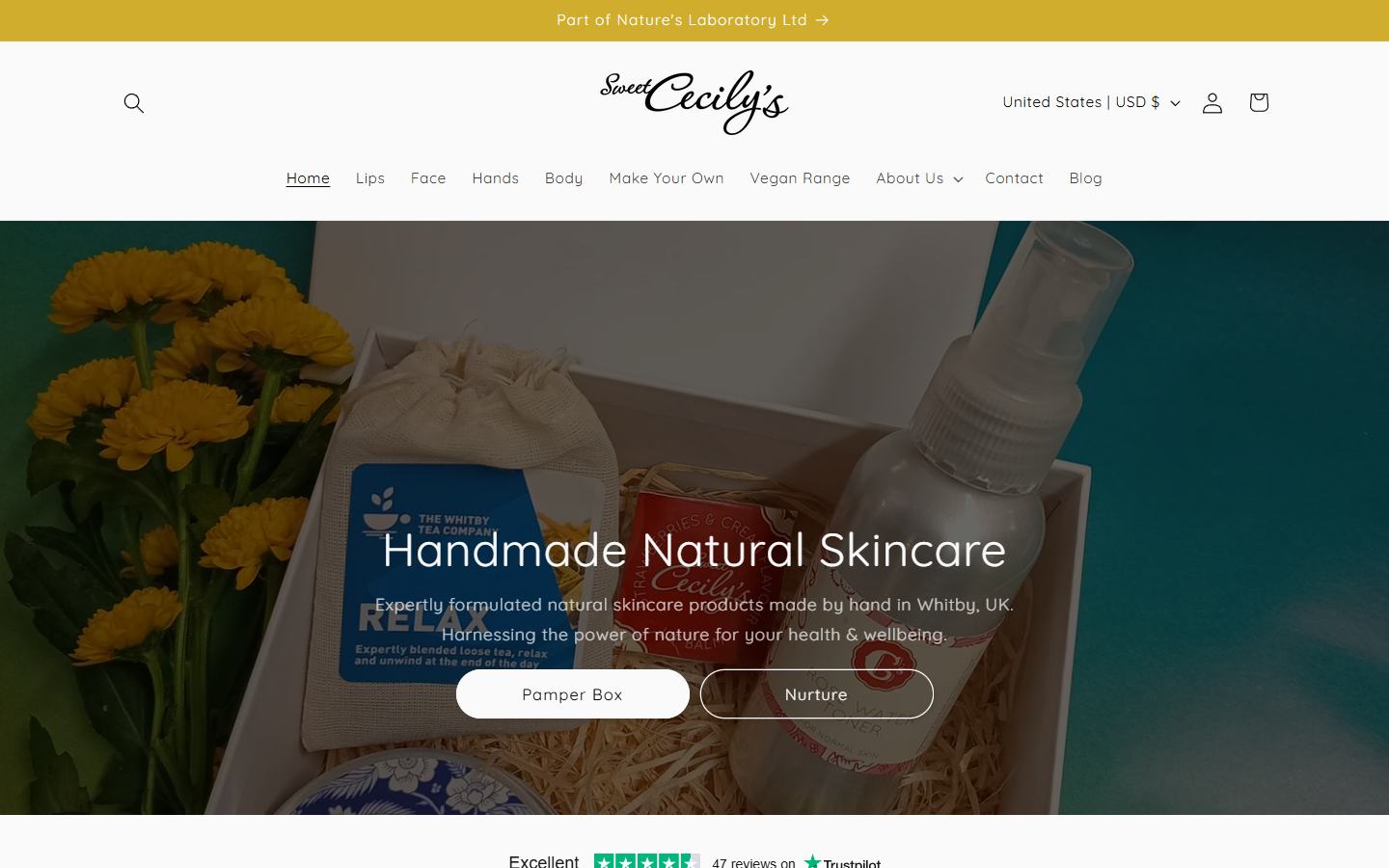
Performance care
WordPress Speed Optimization
Maintenance should stop websites from becoming slower as new plugins, images, scripts, tracking tools, and page sections are added over time.

When fixes become redesign
WordPress SEO Website Redesign
If maintenance keeps exposing the same structural issues, an SEO-safe redesign may be better than repeatedly patching a fragile setup.
Related pages
Continue with the most useful next page.
Work with Kamran