Job Success
Support decision guide
WordPress support vs one-time fixes: choose based on risk, not only the task list.
A one-time fix can be enough for a clear isolated issue. Ongoing WordPress support makes more sense when the website is tied to leads, SEO, ecommerce, tracking, content updates, or recurring business changes. This guide helps buyers choose the safer path.
Upwork status
Total jobs
Total hours
240 Upwork reviews
One-time fix
Best for a contained issue with a clear cause: one broken layout, one form issue, one plugin conflict, one redirect, or one small content update.
Ongoing support
Best when the site changes often, earns leads, needs SEO protection, uses many plugins, has forms or checkout paths, or requires regular speed and tracking checks.
Hybrid path
Start with a focused fix or audit, then move to ongoing support only if repeated issues, content updates, or business-critical pages need steady care.
When a one-time fix is enough
A one-time WordPress fix is practical when the problem is narrow, the site is otherwise healthy, the change has low risk, and the business does not need regular content, SEO, tracking, speed, or plugin support.
When ongoing support is safer
Ongoing support is safer when the website generates inquiries, uses forms, checkout, booking tools, analytics, SEO landing pages, content publishing, paid traffic, or plugin-heavy workflows that can quietly break after updates.
Cost is not the only comparison
A one-time fix may look cheaper, but repeated emergency fixes can cost more than scheduled support. The better question is whether downtime, missed leads, broken tracking, or SEO damage would cost the business more than regular care.
What ongoing support should actually include
Useful support should include backups, update checks, form testing, page checks, mobile review, speed observations, SEO field awareness, tracking checks, small content edits, and notes about what changed.
Signs the website needs more than support
If every change creates another issue, the site may have a weak theme, messy page-builder setup, plugin overlap, poor hosting, unclear CMS structure, or old design patterns that need a deeper rebuild.
A practical starting path
Start with the current website URL, the business-critical pages, the known issue, recent plugin or content changes, and whether the priority is urgent repair, monthly support, SEO protection, speed cleanup, or a larger rebuild plan.
Quick answers
Clear answers before the first conversation.
Is ongoing WordPress support better than a one-time fix?
Ongoing support is better when the website is business-critical, changes often, depends on plugins, receives SEO or paid traffic, or needs forms, checkout, speed, and tracking checked regularly. A one-time fix is fine for a narrow isolated issue.
When should I choose a one-time WordPress fix?
Choose a one-time fix when the issue is clear, limited, low risk, and unlikely to repeat, such as a small layout issue, one broken form, one redirect, one plugin conflict, or a specific content update.
Can ongoing support protect SEO?
Yes. Ongoing support can help protect titles, descriptions, redirects, canonical tags, schema, sitemap inclusion, internal links, page speed, mobile usability, tracking, and important service-page content over time.
Proof examples
Public Aimsparkk work patterns connected to Kamran Hassan.
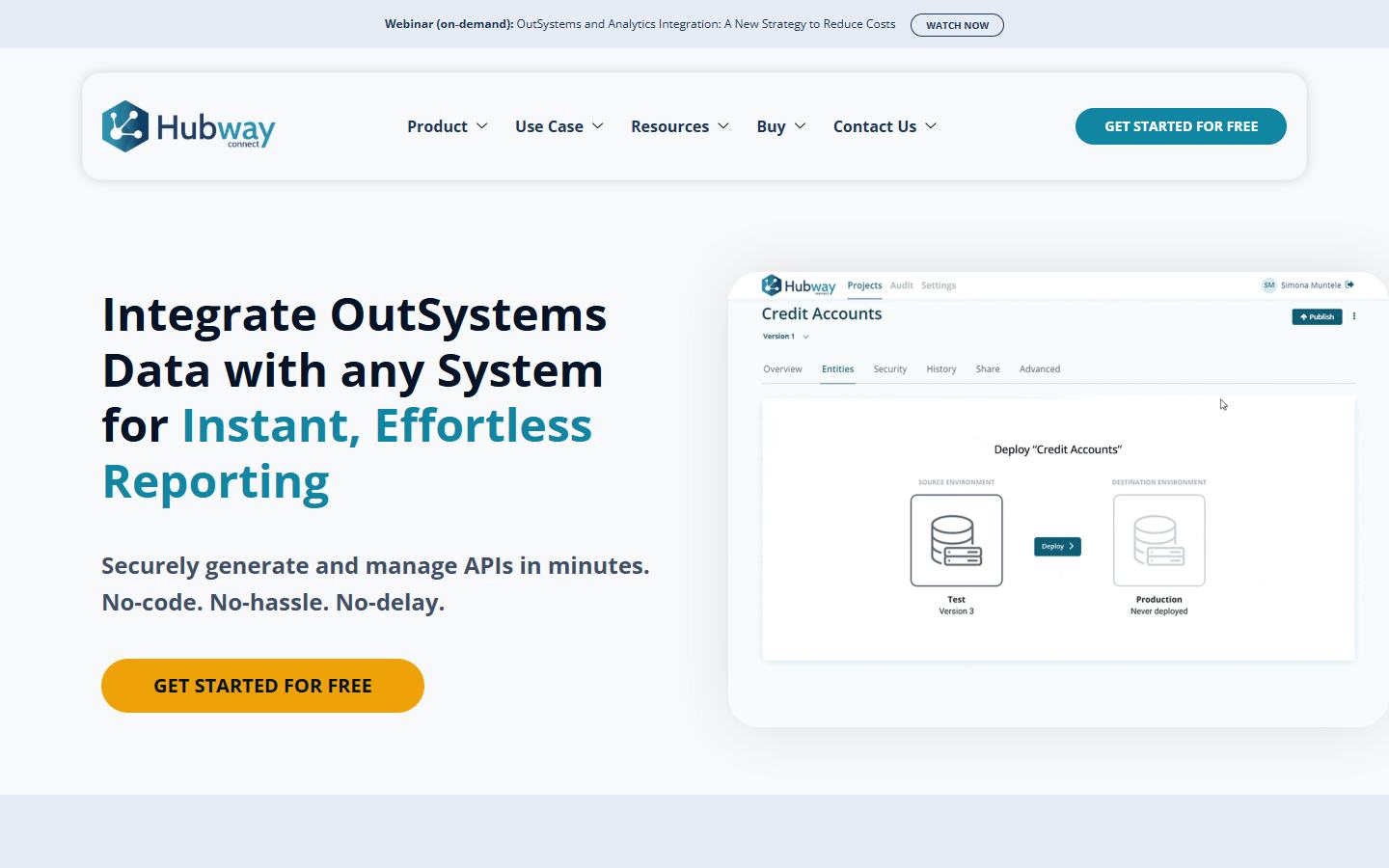
Related service
WordPress Maintenance Support
Ongoing support helps protect updates, backups, forms, SEO fields, tracking, page speed, and small improvements after launch.
Support checklist
WordPress Maintenance Checklist
The checklist page explains the weekly, monthly, and quarterly checks a business website should not ignore.

When support is not enough
WordPress SEO Website Redesign
If the same fixes keep returning, the safer path may be a structured redesign that protects SEO, URLs, content, tracking, and conversion paths.
Related pages
Continue with the most useful next page.
Work with Kamran